

Creating a checkout session using the API
1
Create a New Token
Create a new organization token by following our Organization Access Tokens guide.
2
Save your Access Token
After creating your access token, you will be able to view it. Please copy and save your access token.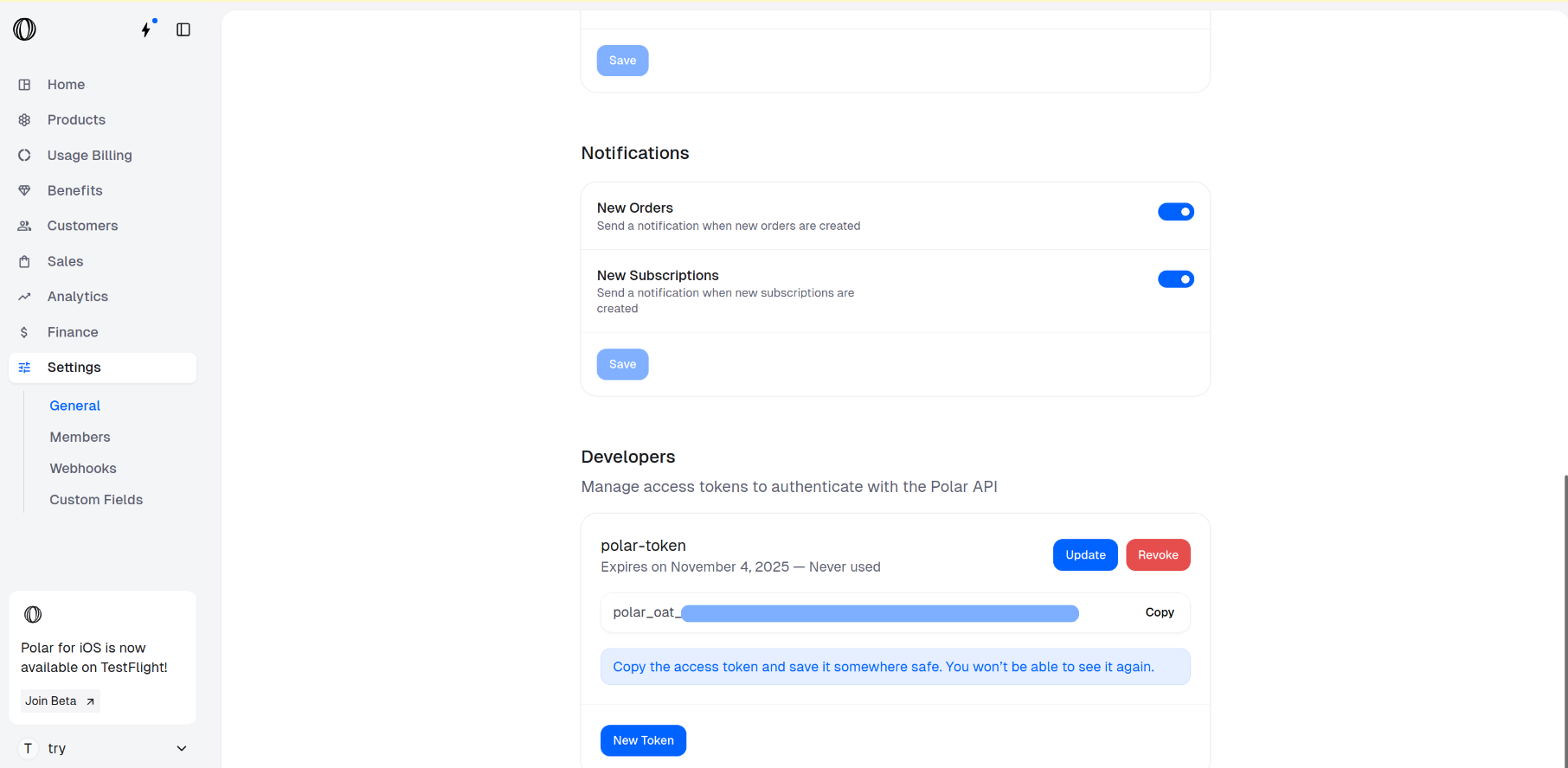
3
Go to the Products Catalogue
In the Polar dashboard sidebar, navigate to Products > Catalogue for your organization.
You can also go directly to:
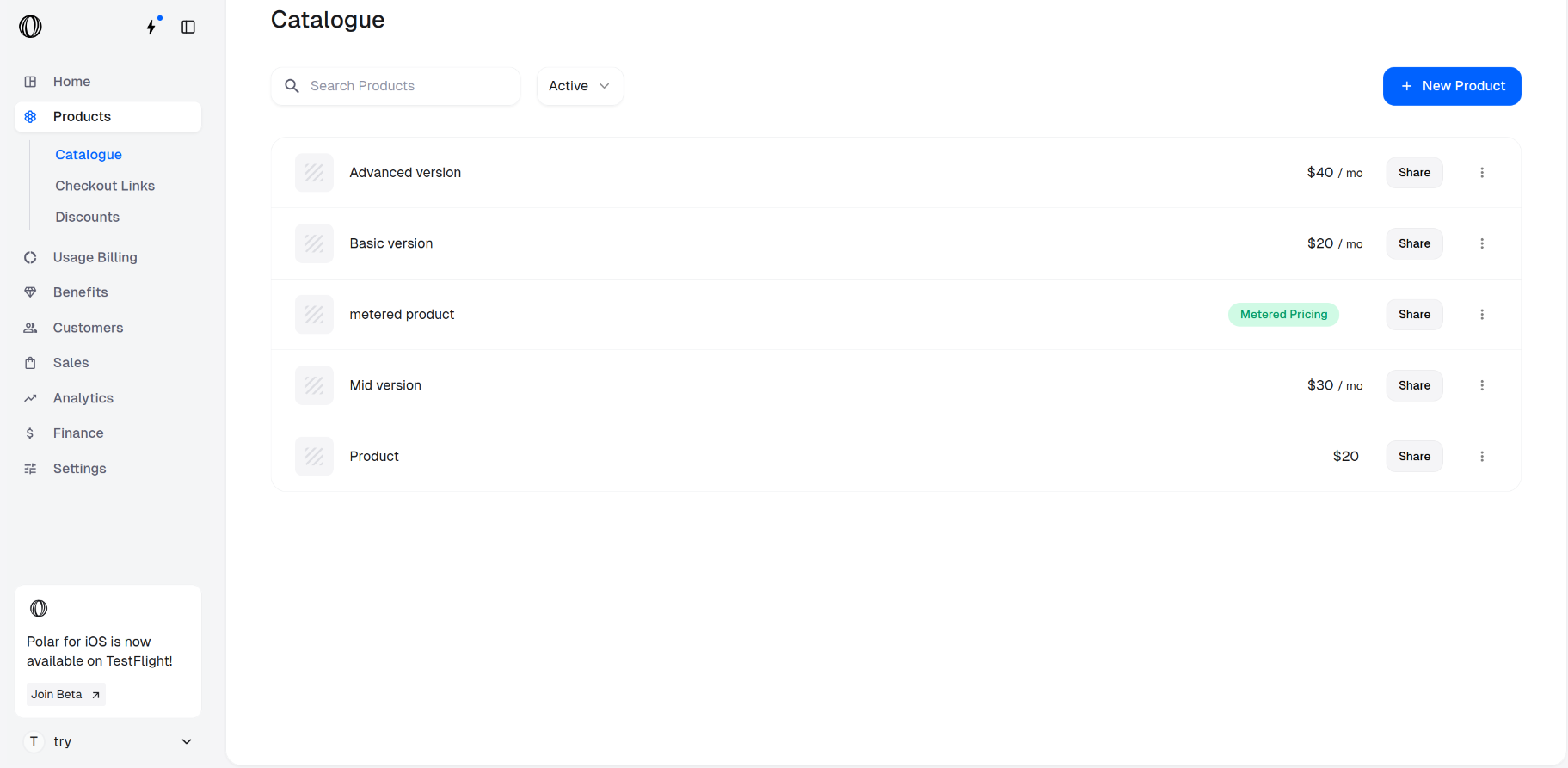
https://polar.sh/dashboard/${org_slug}/products4
Access the product IDs for checkout
Retrieve the Product IDs for the items you wish to include in checkout by clicking on the ⋮ (More options) menu next to chosen products and selecting Copy Product ID.
These IDs will be required in the next step to create a checkout session.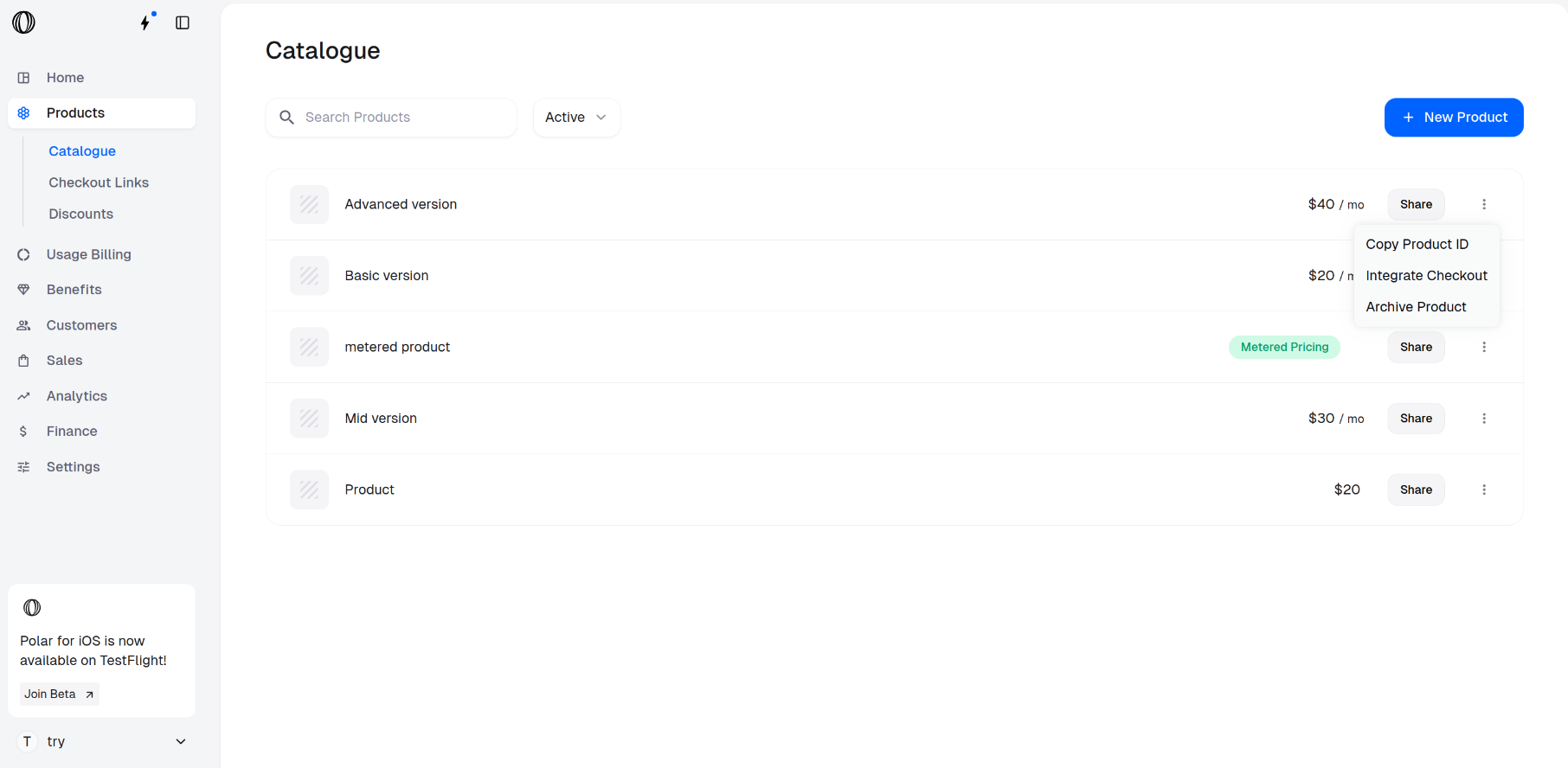
These IDs will be required in the next step to create a checkout session.
5
Create a Checkout Session using the API
Open your terminal and paste the following curl command to make an API call for creating a checkout session.
Be sure to replace:Find the description of all the parameters in the Create Checkout Session API.
- <YOUR_ACCESS_TOKEN> with your actual access token
- <PRODUCT_ID_1>, <PRODUCT_ID_2>, etc., with the product IDs you want to include in the session
6
Access the Checkout Session URL
The curl command returns a JSON. Access the checkout URL from the
“url” key of the JSON.