> ## Documentation Index
> Fetch the complete documentation index at: https://docs.emby.ai/llms.txt
> Use this file to discover all available pages before exploring further.
# Orders & Subscriptions
## Sales
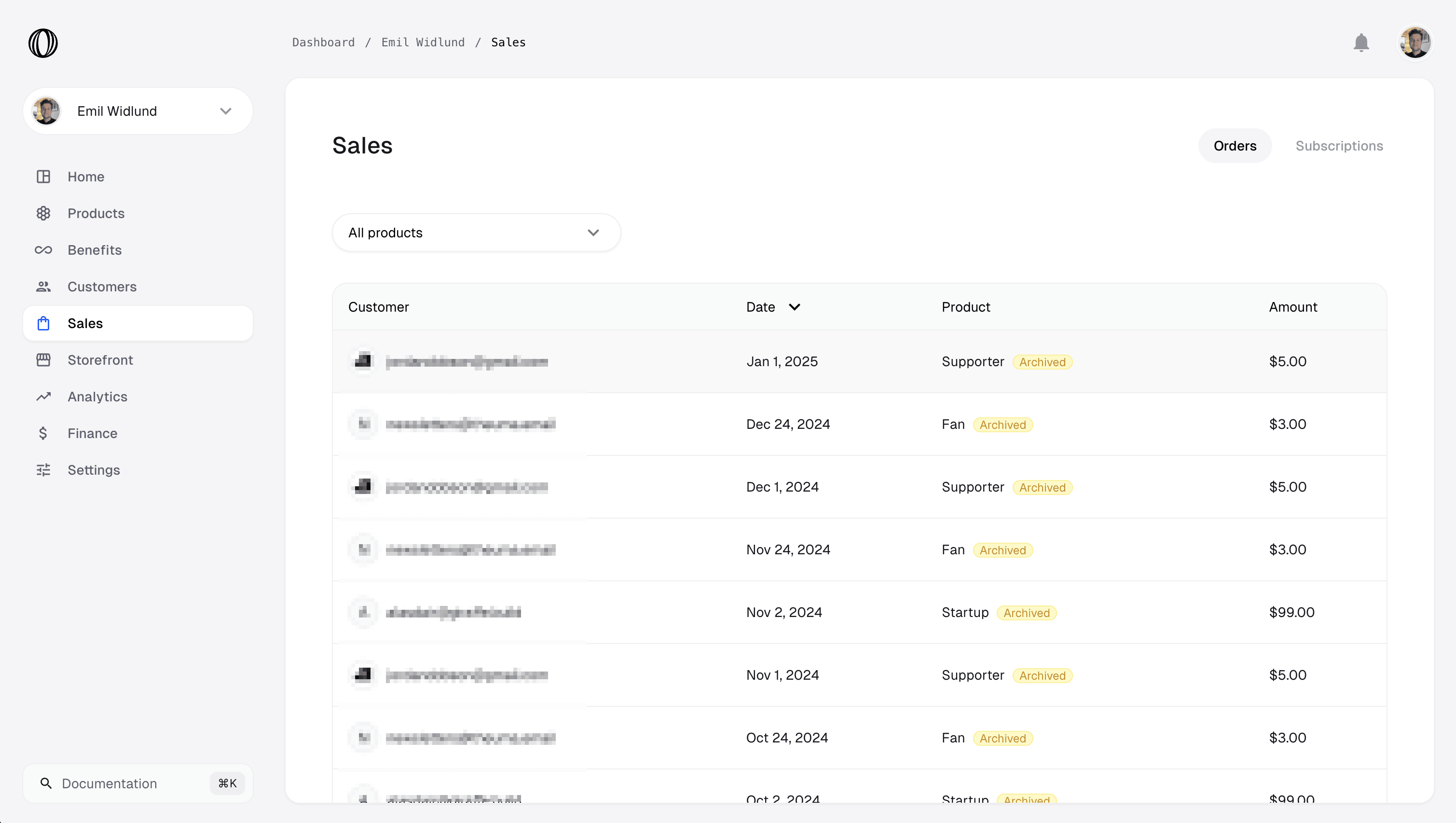
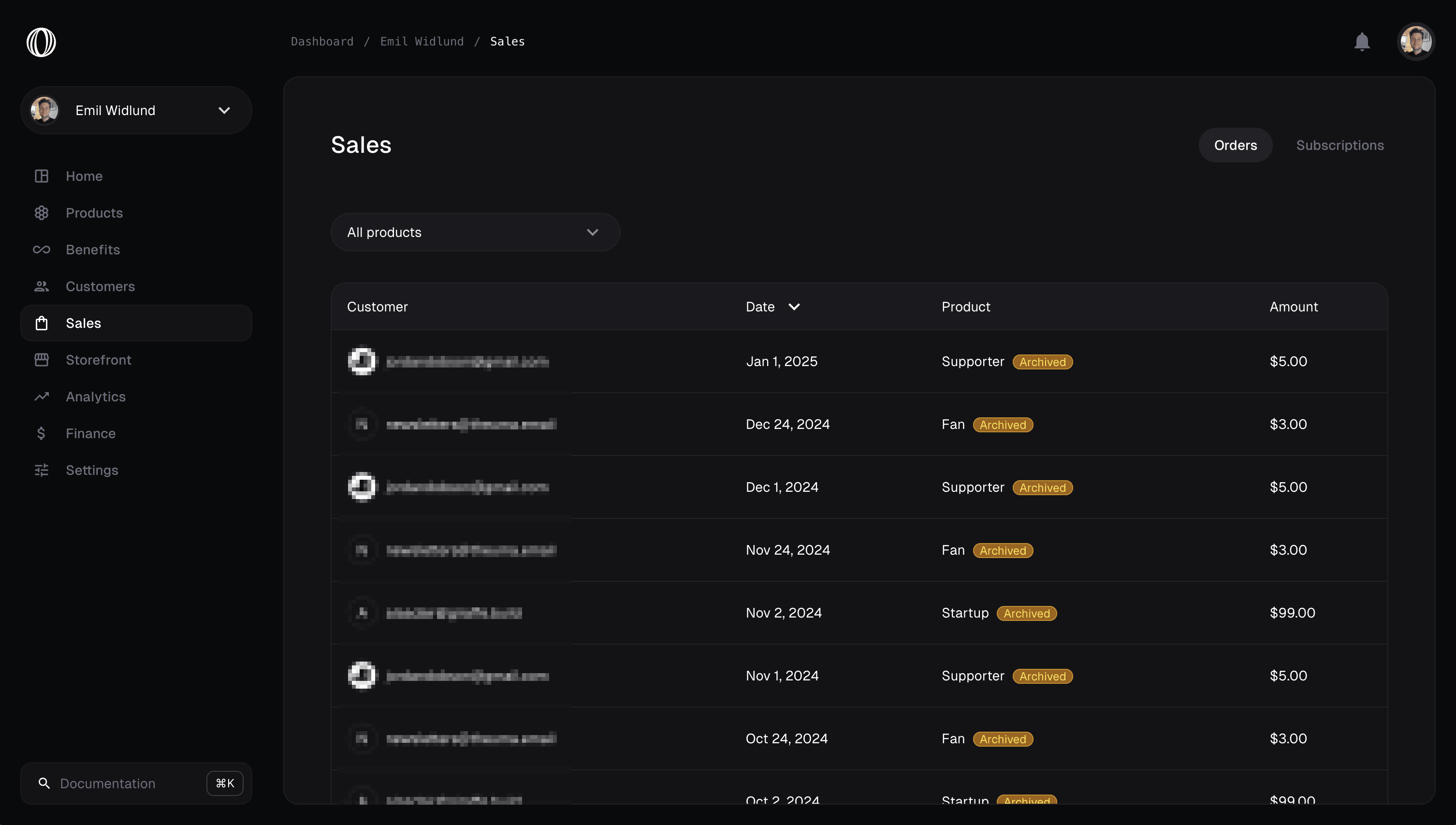 The sales view shows you all sales in a paginated list.
## Order & Subscription Details
The sales view shows you all sales in a paginated list.
## Order & Subscription Details
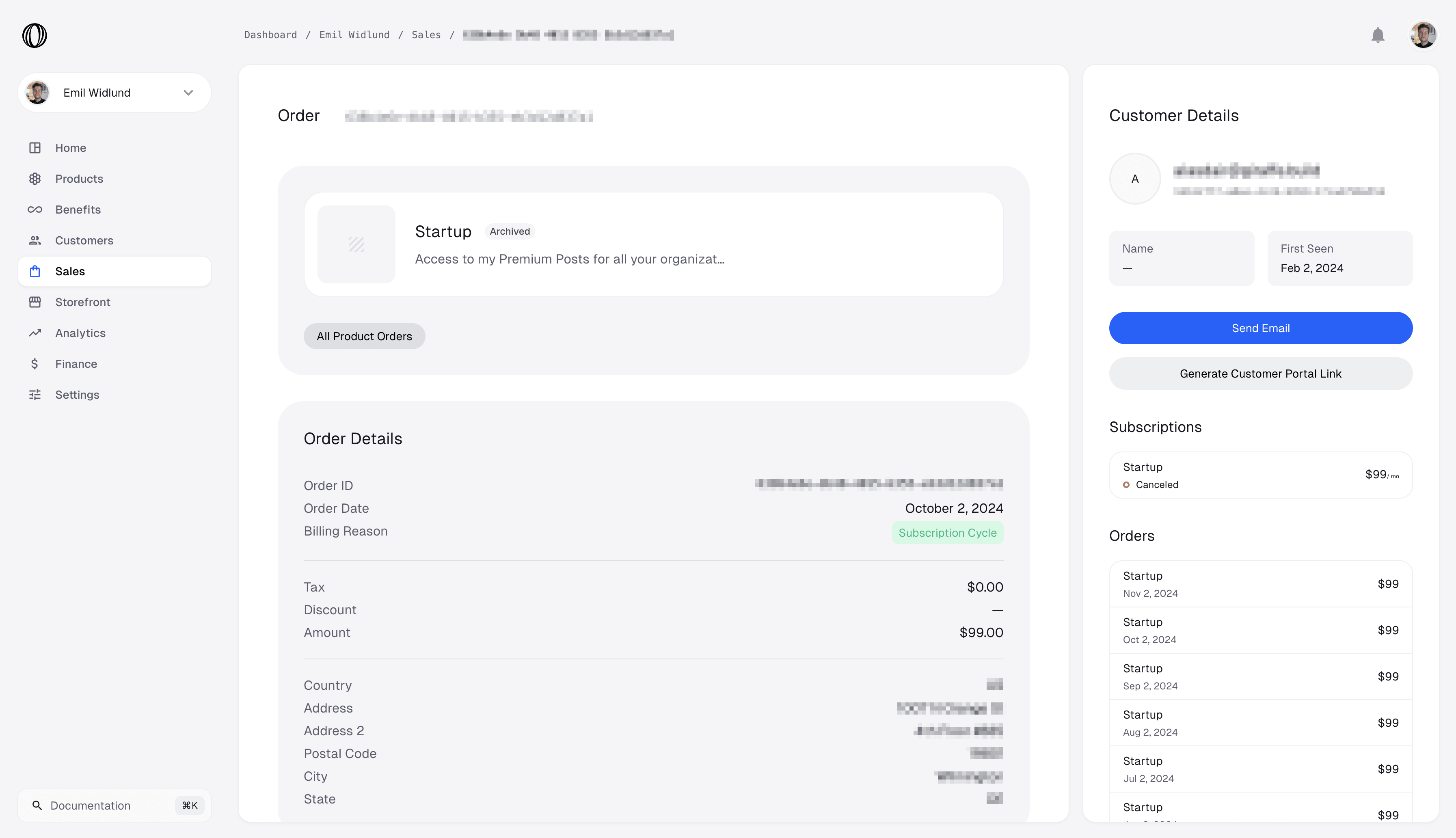
 Each sale has metadata attached to it. Common properties like
* Amount
* Tax Amount
* Invoices
* Customer
* Basic Customer Details
* Past Orders
## Checkouts
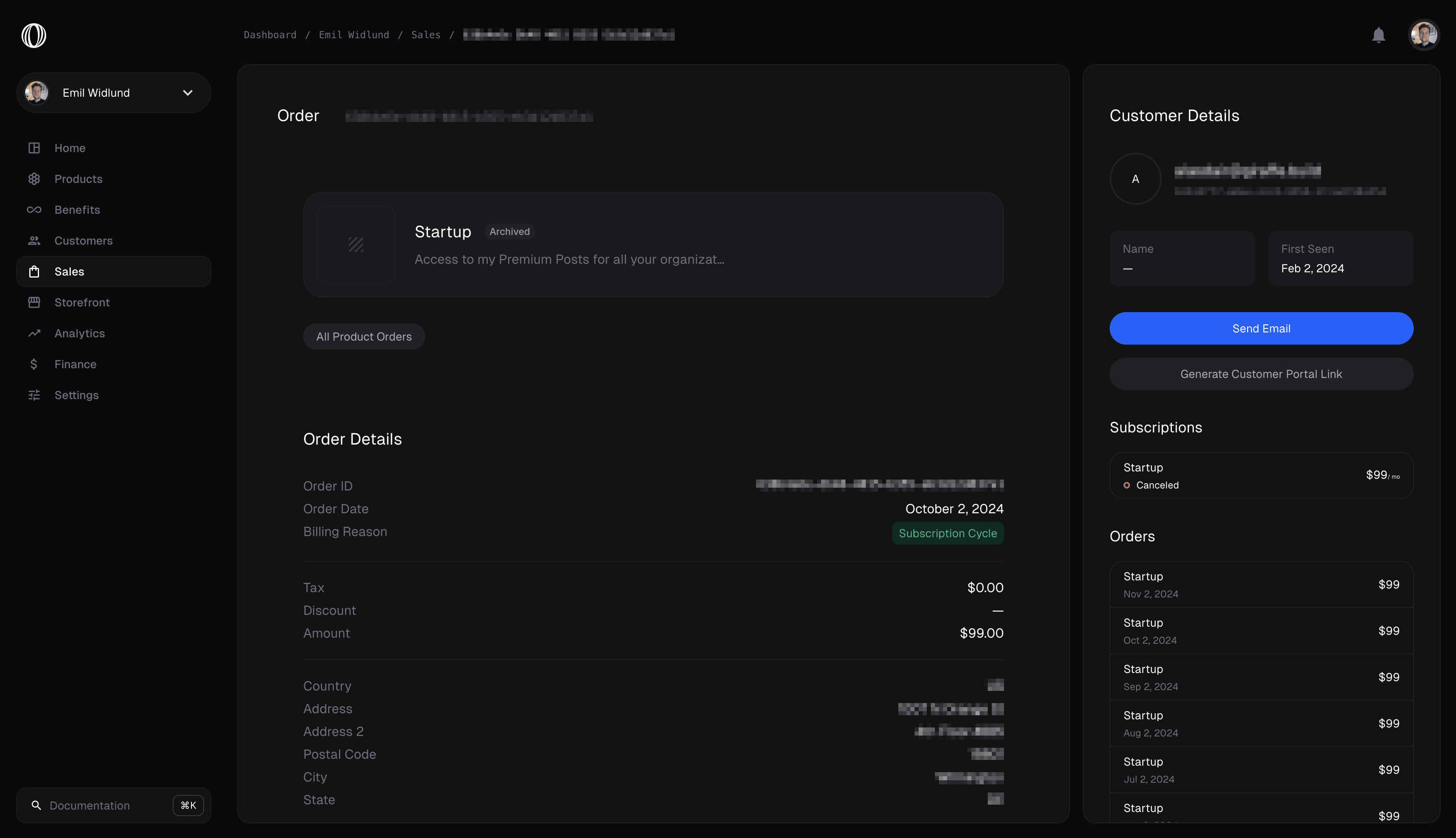
Each sale has metadata attached to it. Common properties like
* Amount
* Tax Amount
* Invoices
* Customer
* Basic Customer Details
* Past Orders
## Checkouts
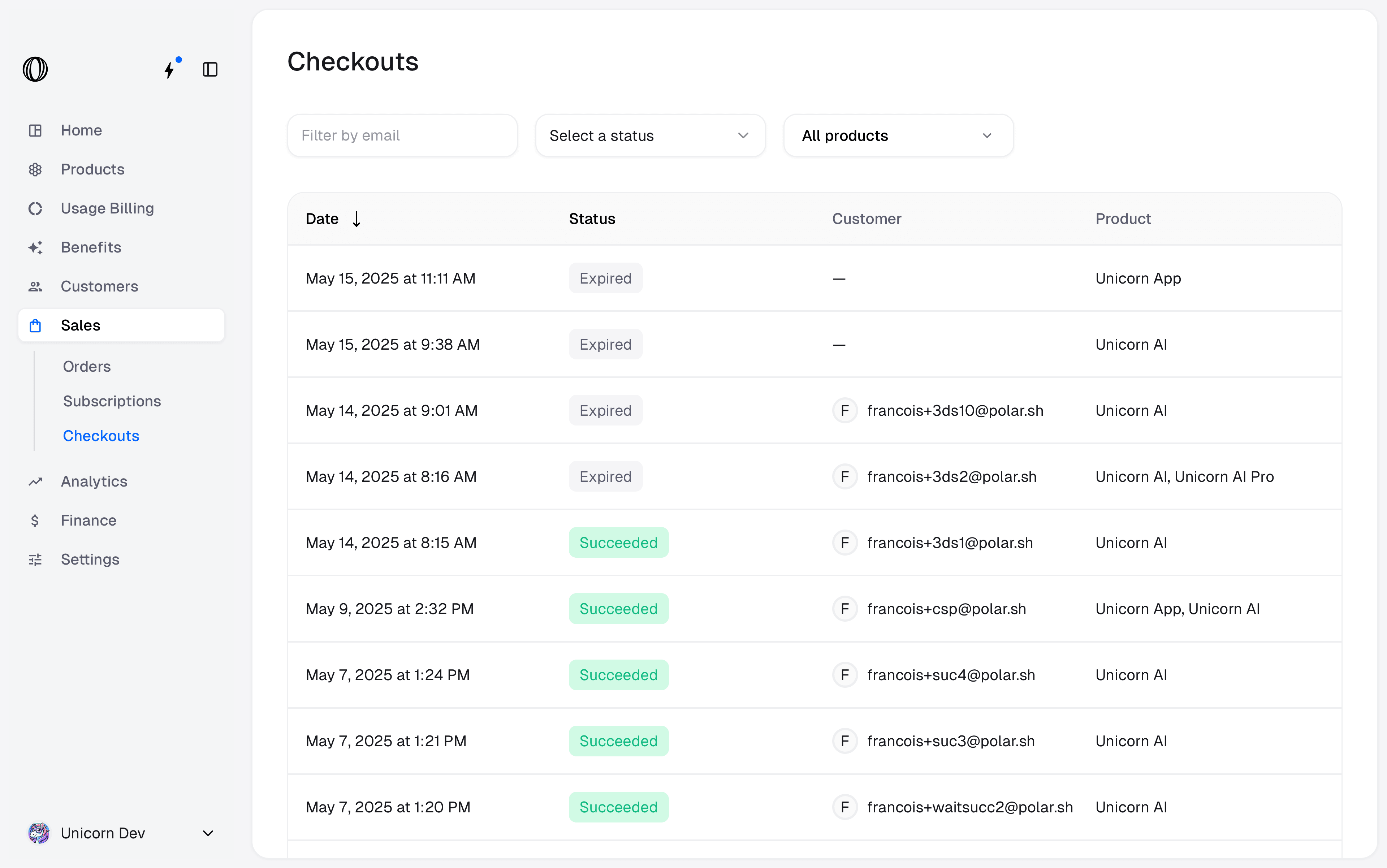
 You can also have an overview of all checkout sessions. You can filter them by customer email, status and product.
A checkout can be in the following states:
* Open: The checkout session is open and waiting for the customer to complete the payment.
* Confirmed: The customer clicked the **Pay** or **Subscribe** button and the payment is being processed.
* Succeeded: The payment was successful and the order was created.
* Expired: The checkout session expired and the customer can no longer complete it. A new checkout session must be created.
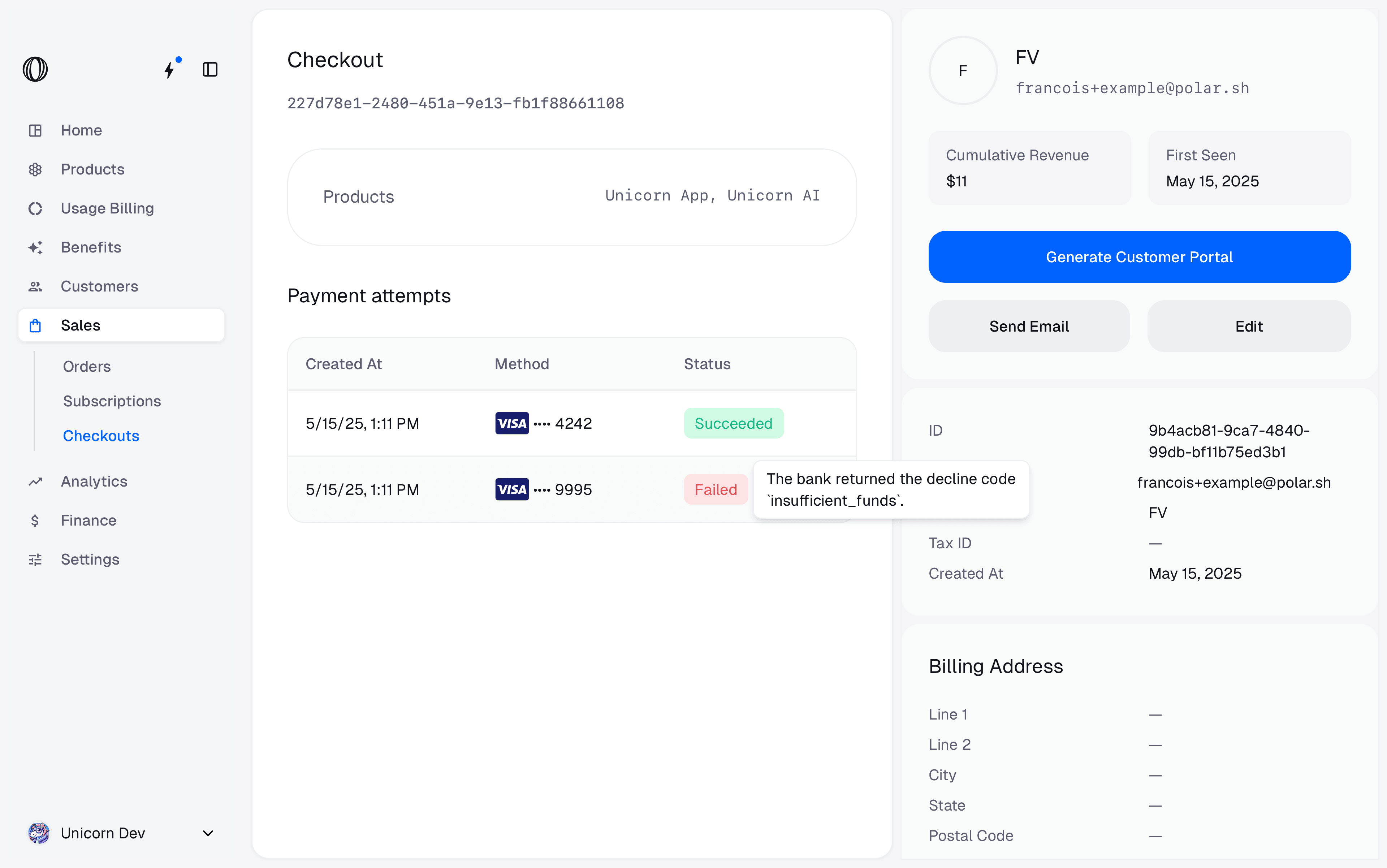
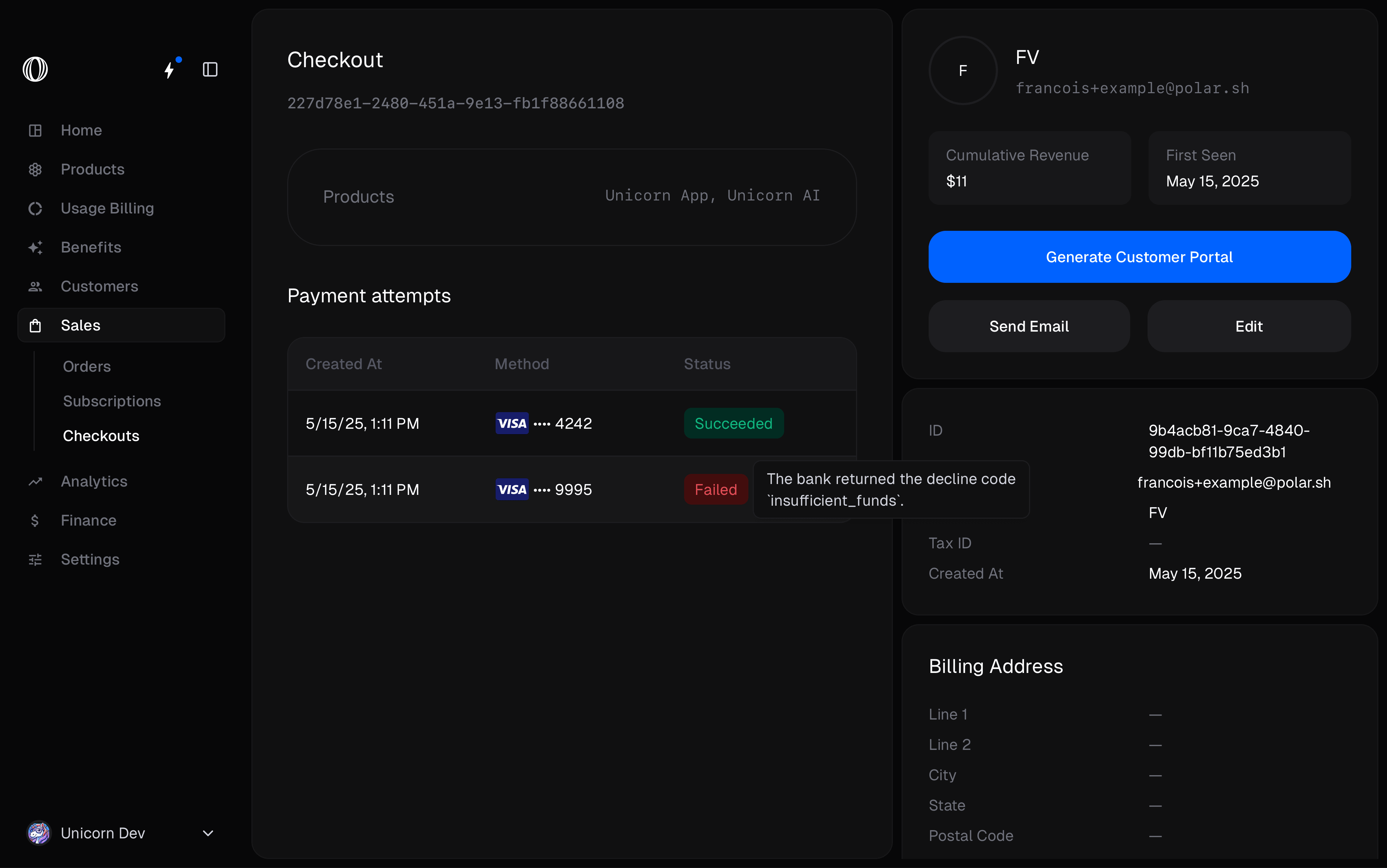
If you click on a Checkout, you can have more details on the **payment attempts**, in particular, why a payment has failed or has been declined.
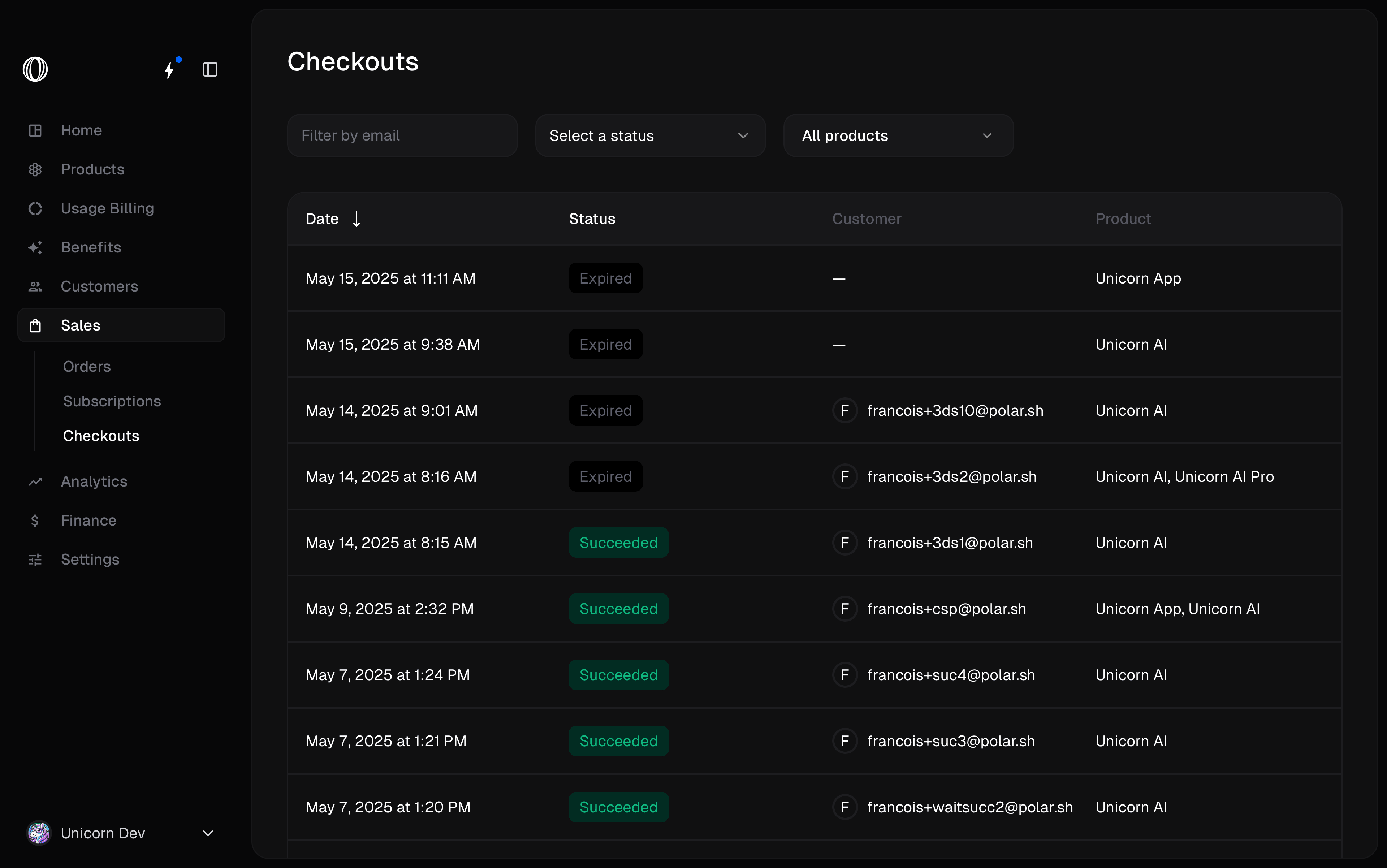
You can also have an overview of all checkout sessions. You can filter them by customer email, status and product.
A checkout can be in the following states:
* Open: The checkout session is open and waiting for the customer to complete the payment.
* Confirmed: The customer clicked the **Pay** or **Subscribe** button and the payment is being processed.
* Succeeded: The payment was successful and the order was created.
* Expired: The checkout session expired and the customer can no longer complete it. A new checkout session must be created.
If you click on a Checkout, you can have more details on the **payment attempts**, in particular, why a payment has failed or has been declined.