> ## Documentation Index
> Fetch the complete documentation index at: https://docs.emby.ai/llms.txt
> Use this file to discover all available pages before exploring further.
# Setup a Payout Account
## Connect Payout Account
You need to setup an account so that we can issue [payouts](/features/finance/payouts).

 1. Go to the `Finance` page in your Polar dashboard
2. Click `Setup` in the card shown above in your dashboard
3. Choose account type & follow their setup instructions
*This is only required the first time and you can do this proactively too in order - recommended to avoid any additional delays.*
### Stripe Connect Express
1. Go to the `Finance` page in your Polar dashboard
2. Click `Setup` in the card shown above in your dashboard
3. Choose account type & follow their setup instructions
*This is only required the first time and you can do this proactively too in order - recommended to avoid any additional delays.*
### Stripe Connect Express
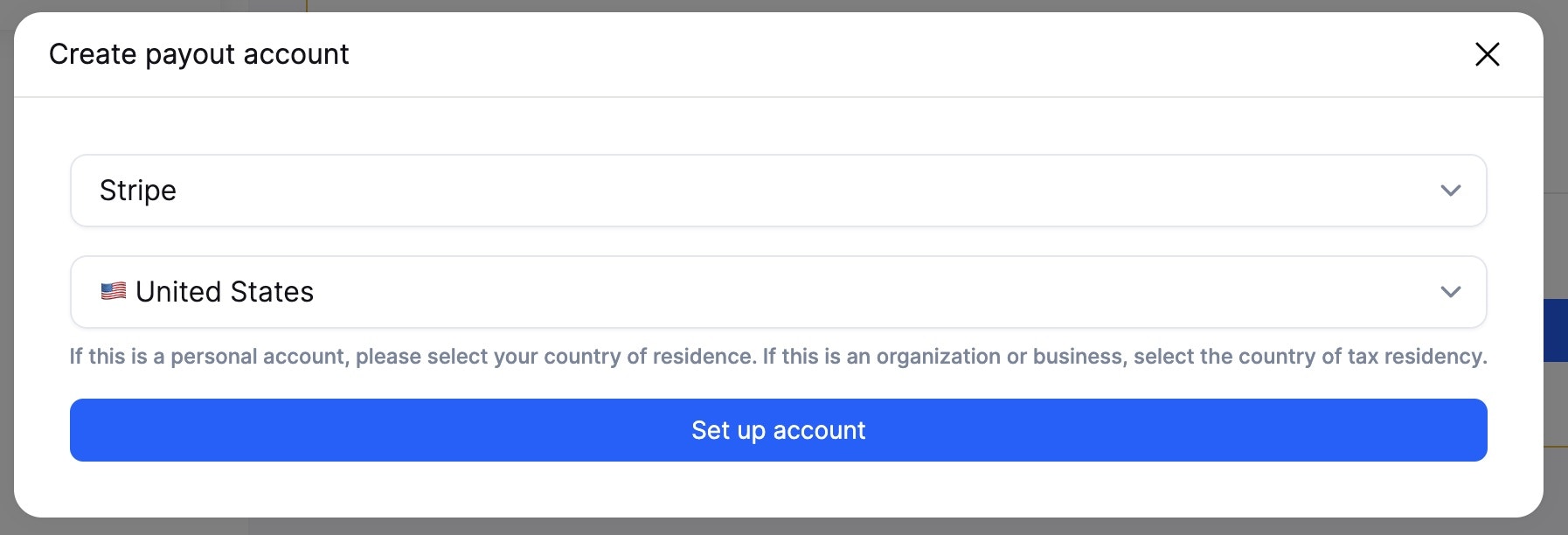
 Stripe is the default and recommended option since it enables instant transfers.