> ## Documentation Index
> Fetch the complete documentation index at: https://docs.emby.ai/llms.txt
> Use this file to discover all available pages before exploring further.
# Customer Portal
> Enable customers to view & manage orders and subscriptions easily
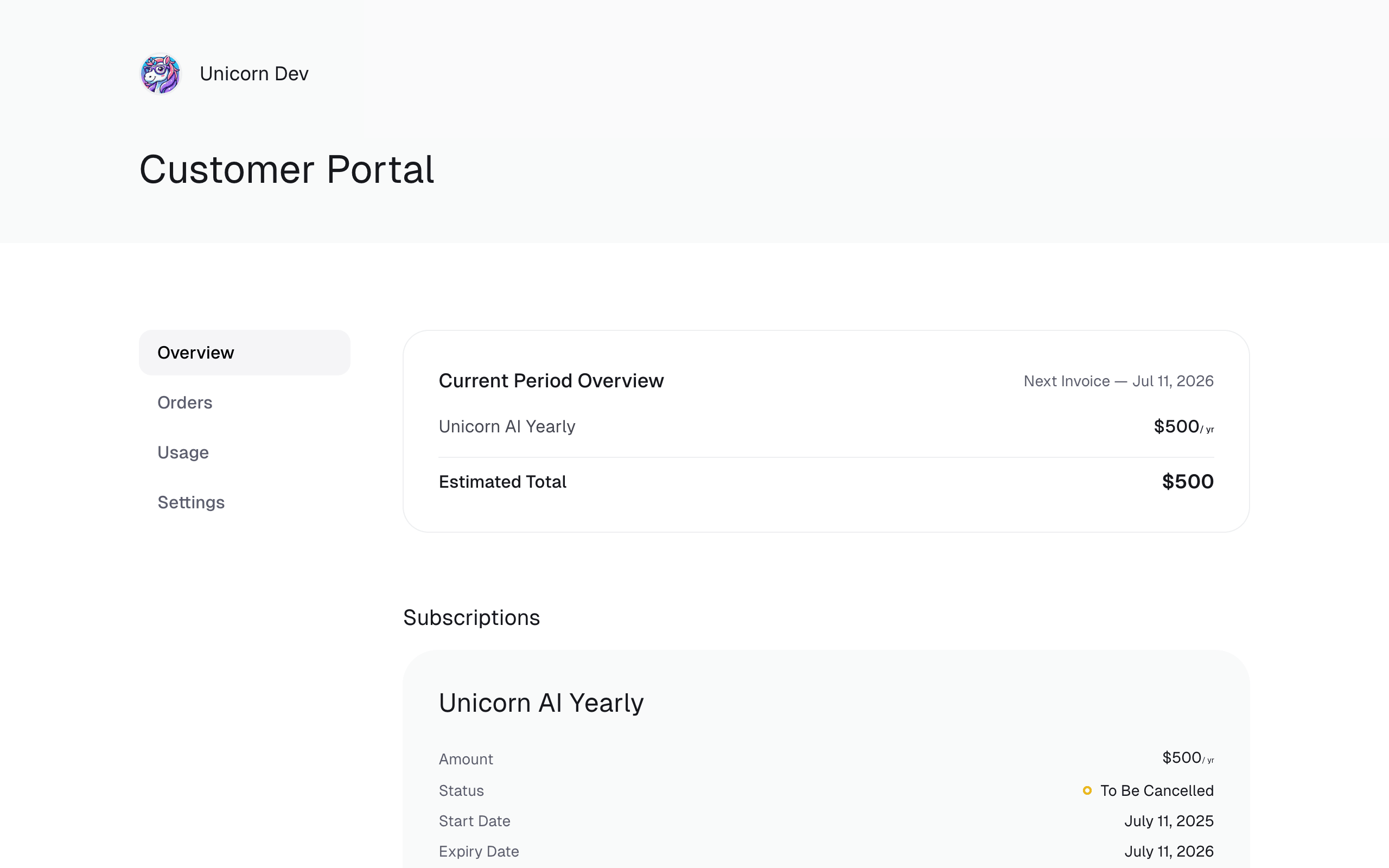
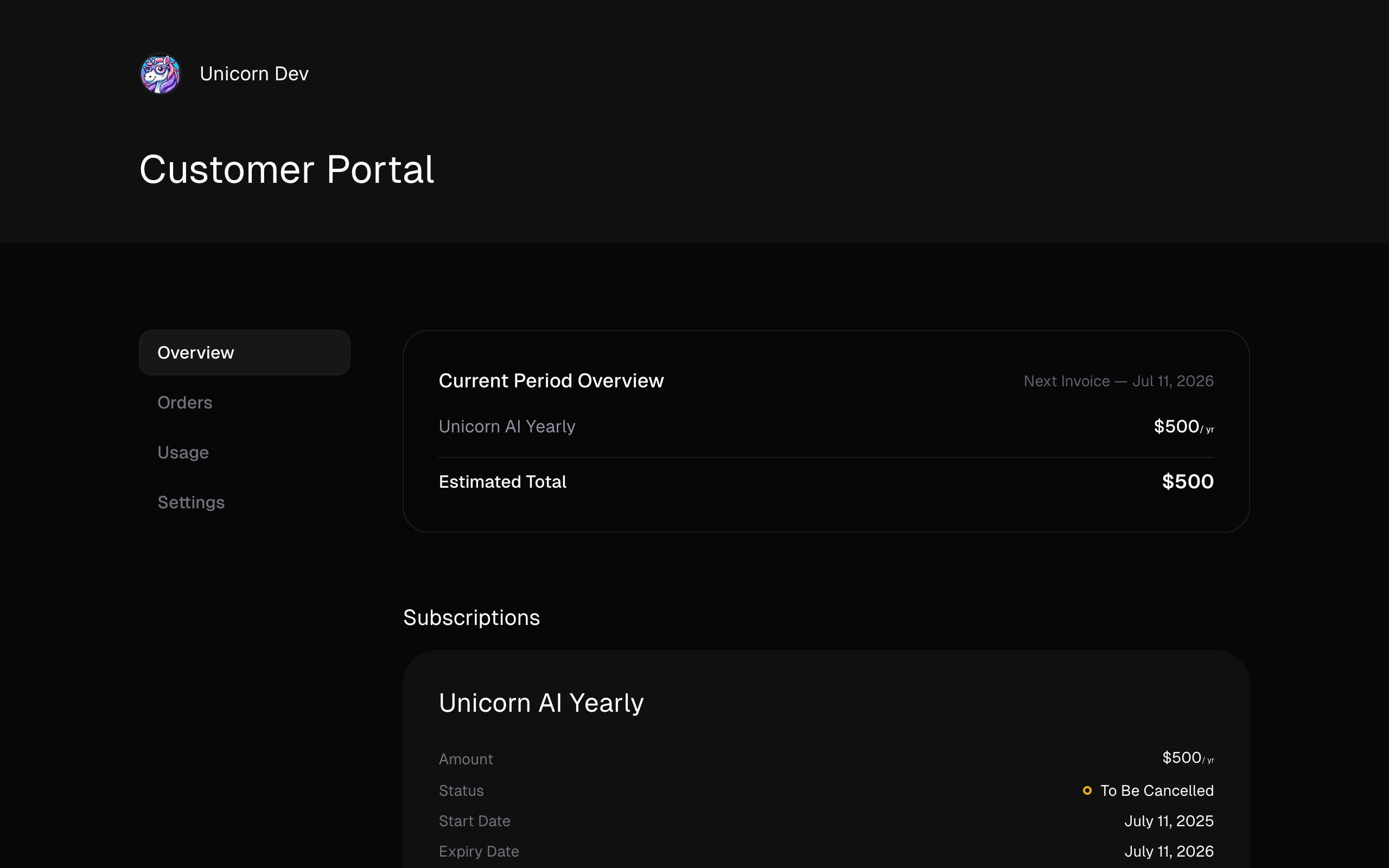
The Customer Portal is a destination where your customers can see their orders and ongoing subscriptions. It’s also where they’re able to get hands on receipts, benefits, and more.
 ## Redirect to your Customer Portal
The customer portal is directly available from the URL `https://polar.sh/your-org-slug/portal`. Your customers will be able to authenticate there by entering the email they used to purchase or subscribe to your products.
## Redirect to your Customer Portal
The customer portal is directly available from the URL `https://polar.sh/your-org-slug/portal`. Your customers will be able to authenticate there by entering the email they used to purchase or subscribe to your products.
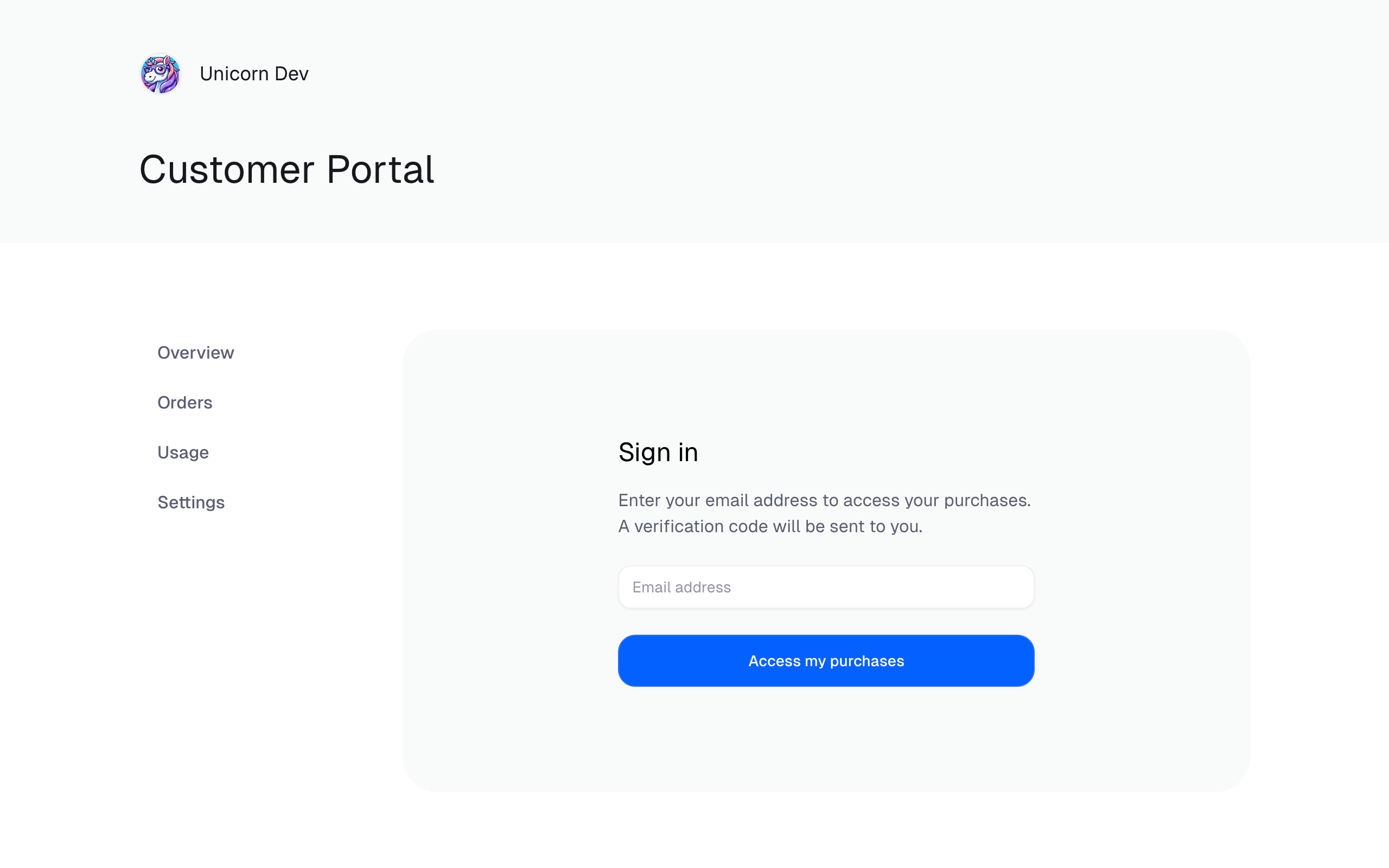
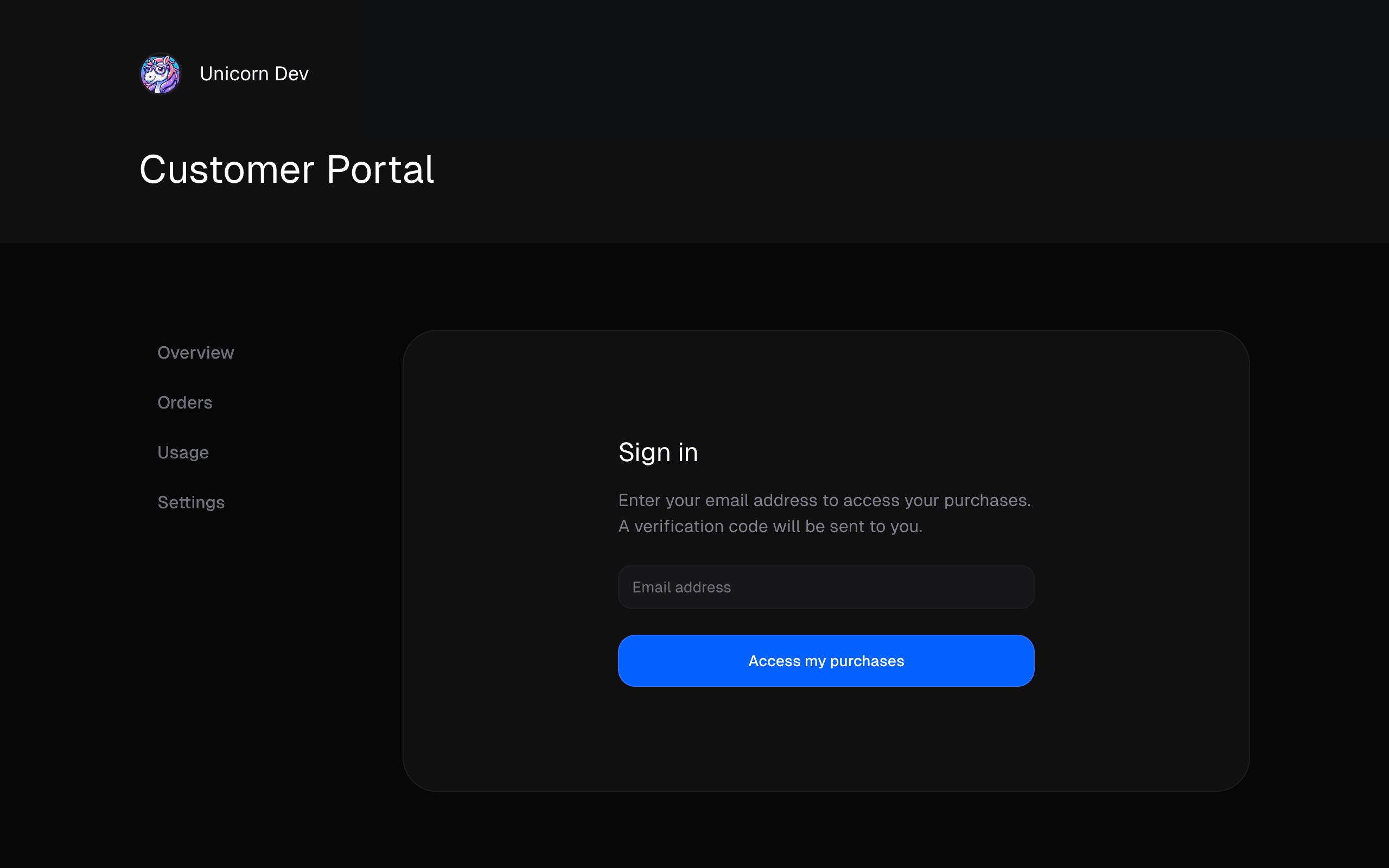 Customer Portal Sign In
## Creating an authenticated Customer Portal Link
You can provide a pre-authenticated Customer Portal Link to your customers. This is handy if you want to redirect them directly from your application.
Using the Polar API, all you need is to call the `customerSessions` endpoint. Here’s an example using our TypeScript SDK.
```typescript theme={null}
import { Polar } from "@polar-sh/sdk";
const polar = new Polar({
accessToken: process.env["POLAR_ACCESS_TOKEN"] ?? "",
});
async function run() {
const result = await polar.customerSessions.create({
customerId: "",
});
redirect(result.customerPortalUrl)
}
run();
```
Or, if you use NextJS as your framework, we have a handy utility which shortens down your code significantly.
```typescript theme={null}
// app/portal/route.ts
import { CustomerPortal } from "@polar-sh/nextjs";
export const GET = CustomerPortal({
accessToken: process.env.POLAR_ACCESS_TOKEN,
getCustomerId: async (req) => '',
server: 'sandbox' // Use sandbox if you're testing Polar - pass 'production' otherwise
});
```
Customer Portal Sign In
## Creating an authenticated Customer Portal Link
You can provide a pre-authenticated Customer Portal Link to your customers. This is handy if you want to redirect them directly from your application.
Using the Polar API, all you need is to call the `customerSessions` endpoint. Here’s an example using our TypeScript SDK.
```typescript theme={null}
import { Polar } from "@polar-sh/sdk";
const polar = new Polar({
accessToken: process.env["POLAR_ACCESS_TOKEN"] ?? "",
});
async function run() {
const result = await polar.customerSessions.create({
customerId: "",
});
redirect(result.customerPortalUrl)
}
run();
```
Or, if you use NextJS as your framework, we have a handy utility which shortens down your code significantly.
```typescript theme={null}
// app/portal/route.ts
import { CustomerPortal } from "@polar-sh/nextjs";
export const GET = CustomerPortal({
accessToken: process.env.POLAR_ACCESS_TOKEN,
getCustomerId: async (req) => '',
server: 'sandbox' // Use sandbox if you're testing Polar - pass 'production' otherwise
});
```