> ## Documentation Index
> Fetch the complete documentation index at: https://docs.emby.ai/llms.txt
> Use this file to discover all available pages before exploring further.
# Checkout API
> Create checkout sessions programmatically for complete control
If you want to integrate more deeply the checkout process with your website or application, you can use our dedicated API.
The first step is to [create a Checkout session](/api-reference/checkouts/create-session). For this you'll need at least your **Product ID**.
You can retrieve your Product ID from Products in your dashboard, click on "context-menu" button in front of your product and click on Copy Product ID.
The API will return you an object containing all the information about the session, including **an URL where you should redirect your customer** so they can complete their order.
## Multiple products
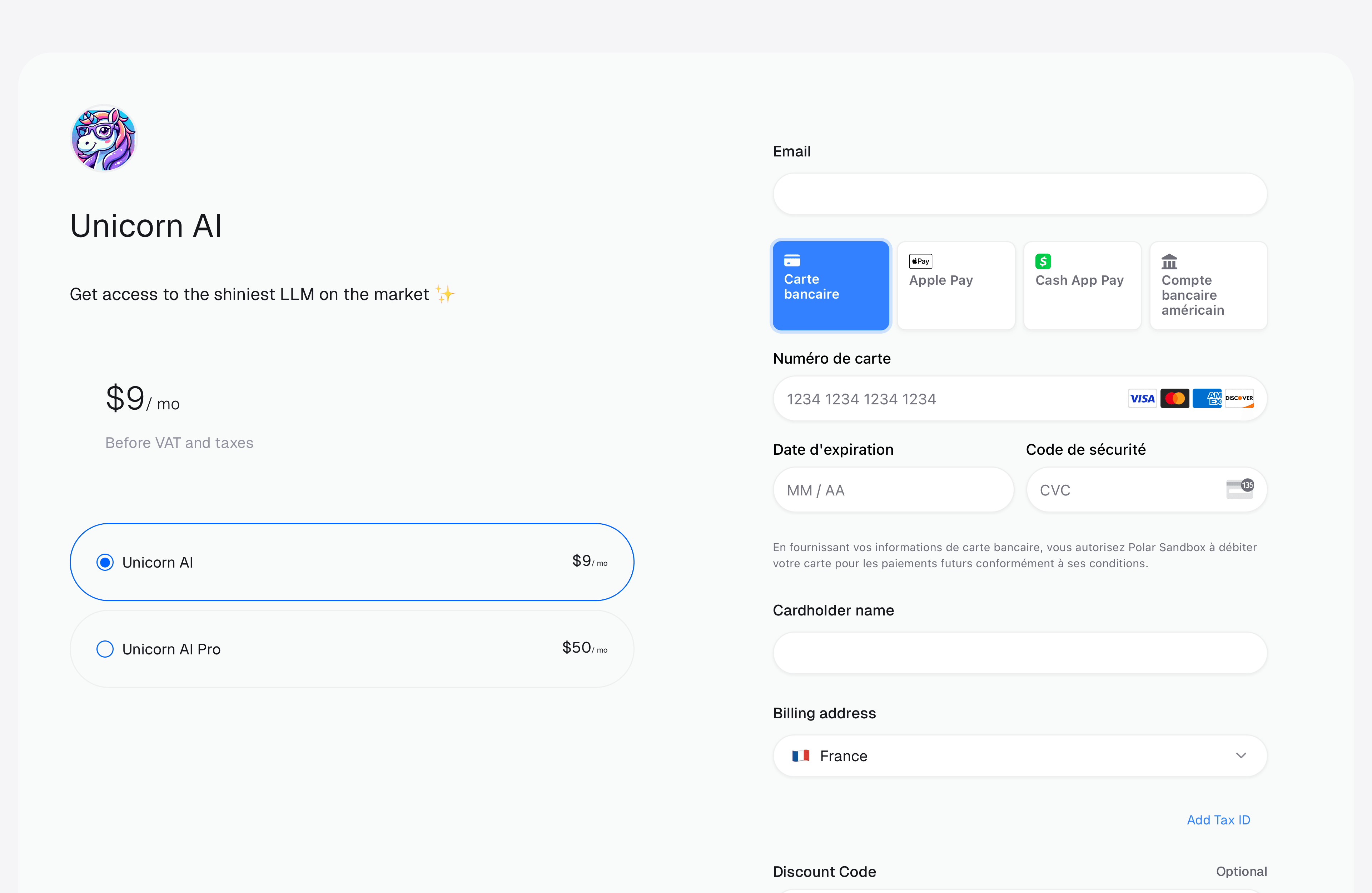
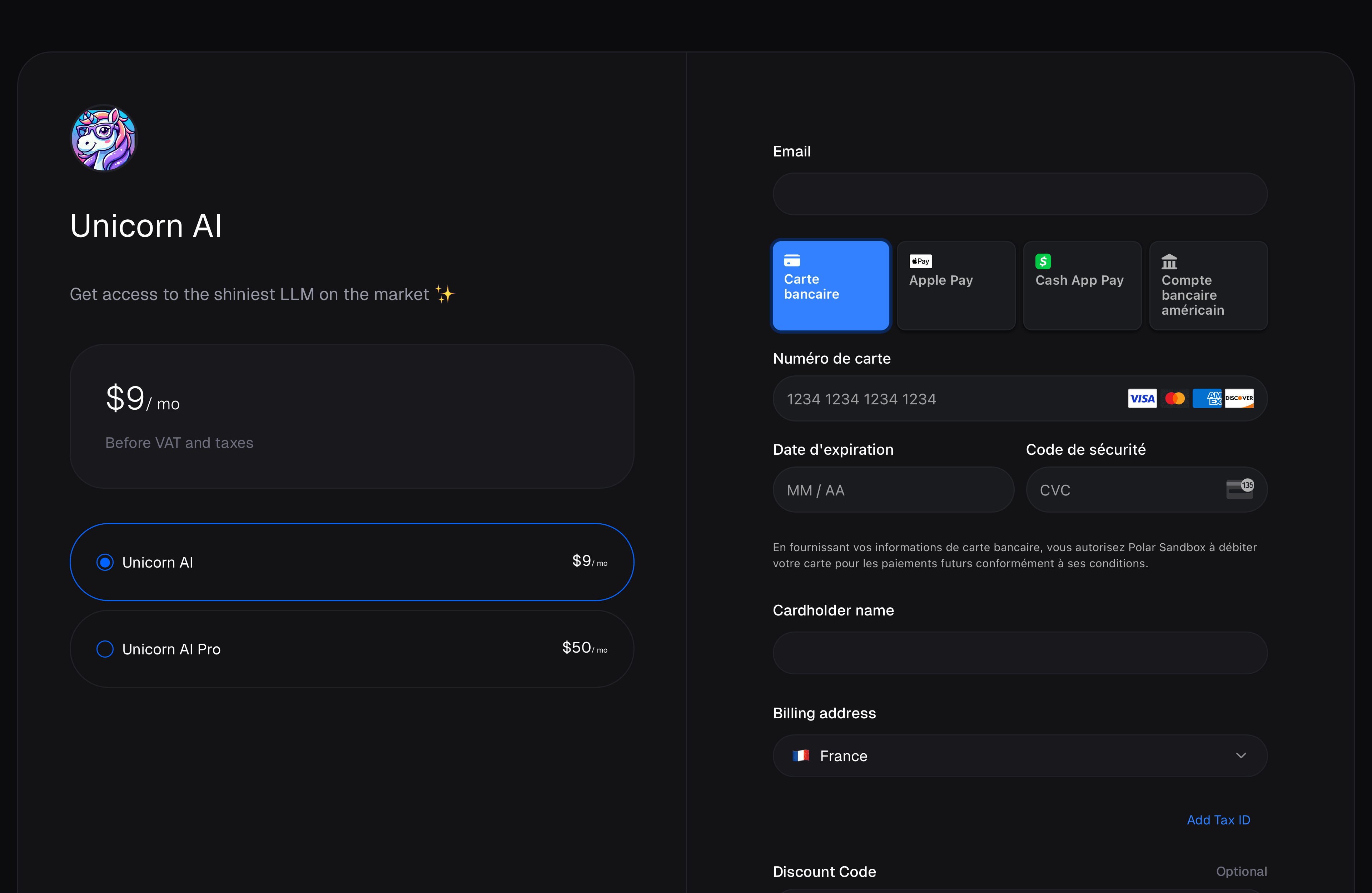
You can create a checkout session with multiple products. This is useful if you want to allow your customers to choose between different products before they checkout.
 ## External Customer ID
Quite often, you'll have your own users management system in your application, where your customer already have an ID. To ease reconciliation between Polar and your system, you can inform us about your customer ID when creating a checkout session through the [`external_customer_id`](/api-reference/checkouts/create-session/) field.
After a successful checkout, we'll create a Customer on Polar with the external ID you provided. It'll be provided through the `customer.external_id` property in webhooks you may have configured.
## SDK examples
Using our SDK, creating a checkout session is quite straightforward.
```ts TypeScript theme={null}
import { Polar } from "@polar-sh/sdk";
const polar = new Polar({
accessToken: process.env["POLAR_ACCESS_TOKEN"] ?? "",
});
async function run() {
const checkout = await polar.checkouts.create({
products: ["productId"]
});
console.log(checkout.url)
}
run();
```
```py Python theme={null}
from polar_sdk import Polar
with Polar(
access_token="",
) as polar:
checkout = polar.checkouts.create(request={
"allow_discount_codes": True,
"product_id": "",
})
print(checkout.url)
```
## External Customer ID
Quite often, you'll have your own users management system in your application, where your customer already have an ID. To ease reconciliation between Polar and your system, you can inform us about your customer ID when creating a checkout session through the [`external_customer_id`](/api-reference/checkouts/create-session/) field.
After a successful checkout, we'll create a Customer on Polar with the external ID you provided. It'll be provided through the `customer.external_id` property in webhooks you may have configured.
## SDK examples
Using our SDK, creating a checkout session is quite straightforward.
```ts TypeScript theme={null}
import { Polar } from "@polar-sh/sdk";
const polar = new Polar({
accessToken: process.env["POLAR_ACCESS_TOKEN"] ?? "",
});
async function run() {
const checkout = await polar.checkouts.create({
products: ["productId"]
});
console.log(checkout.url)
}
run();
```
```py Python theme={null}
from polar_sdk import Polar
with Polar(
access_token="",
) as polar:
checkout = polar.checkouts.create(request={
"allow_discount_codes": True,
"product_id": "",
})
print(checkout.url)
```