> ## Documentation Index
> Fetch the complete documentation index at: https://docs.emby.ai/llms.txt
> Use this file to discover all available pages before exploring further.
# Checkout Links
> Sell your digital products with ease by sharing a checkout link to select products
Checkout links can be shared or linked on your website which automatically
creates a checkout session for customers.
Looking for a way to generate Checkout session programmatically? Checkout
Links might not be the right tool for you. Instead, you should use the
[Checkout API](/features/checkout/session).
## Create a Checkout Link
Checkout Links can be managed from the **Checkout Links** tabs of the Products section. Click on **New Link** to create a new one.
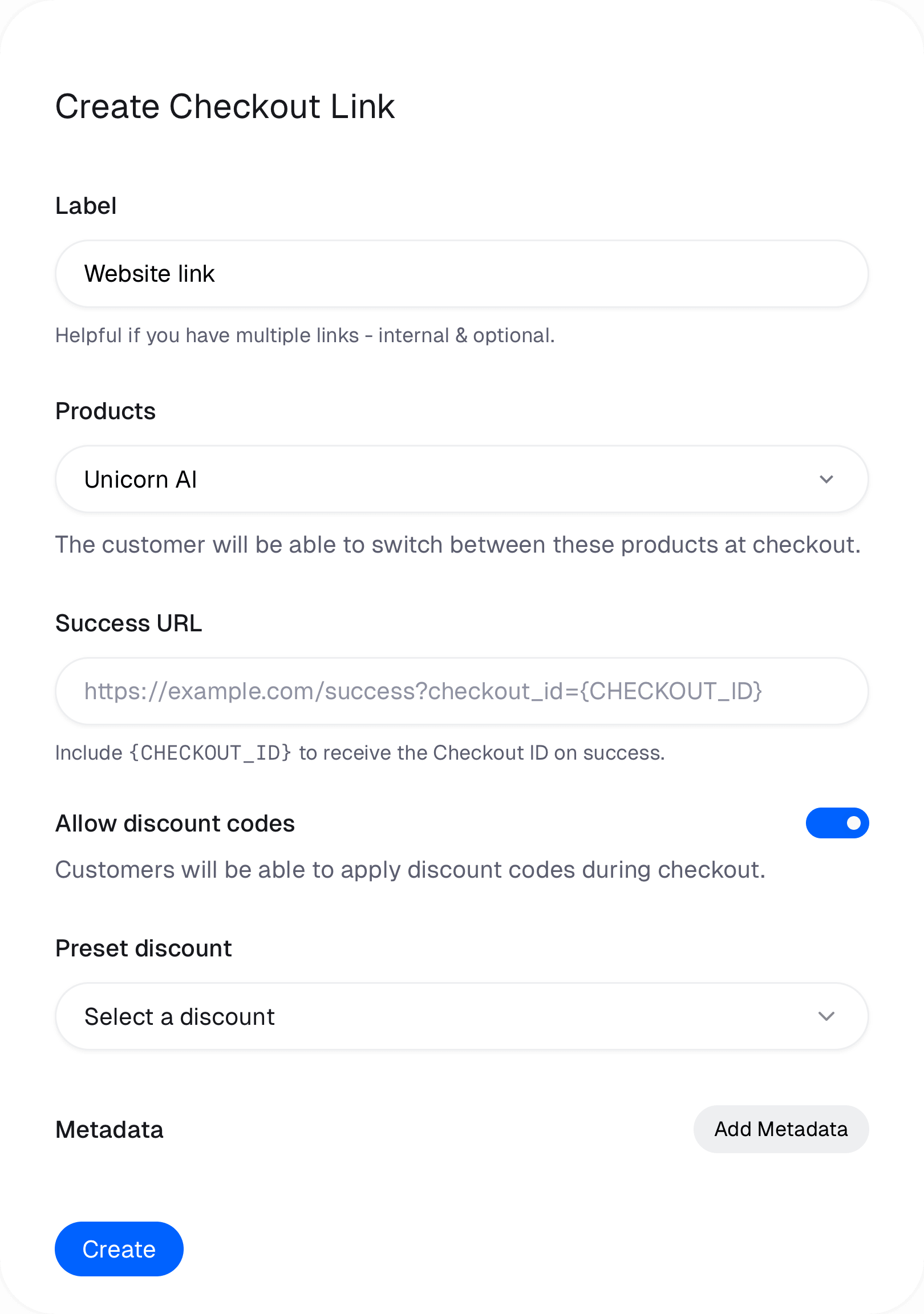
 #### Label
This is an internal name for the Checkout Link. It's only visible to you.
#### Products
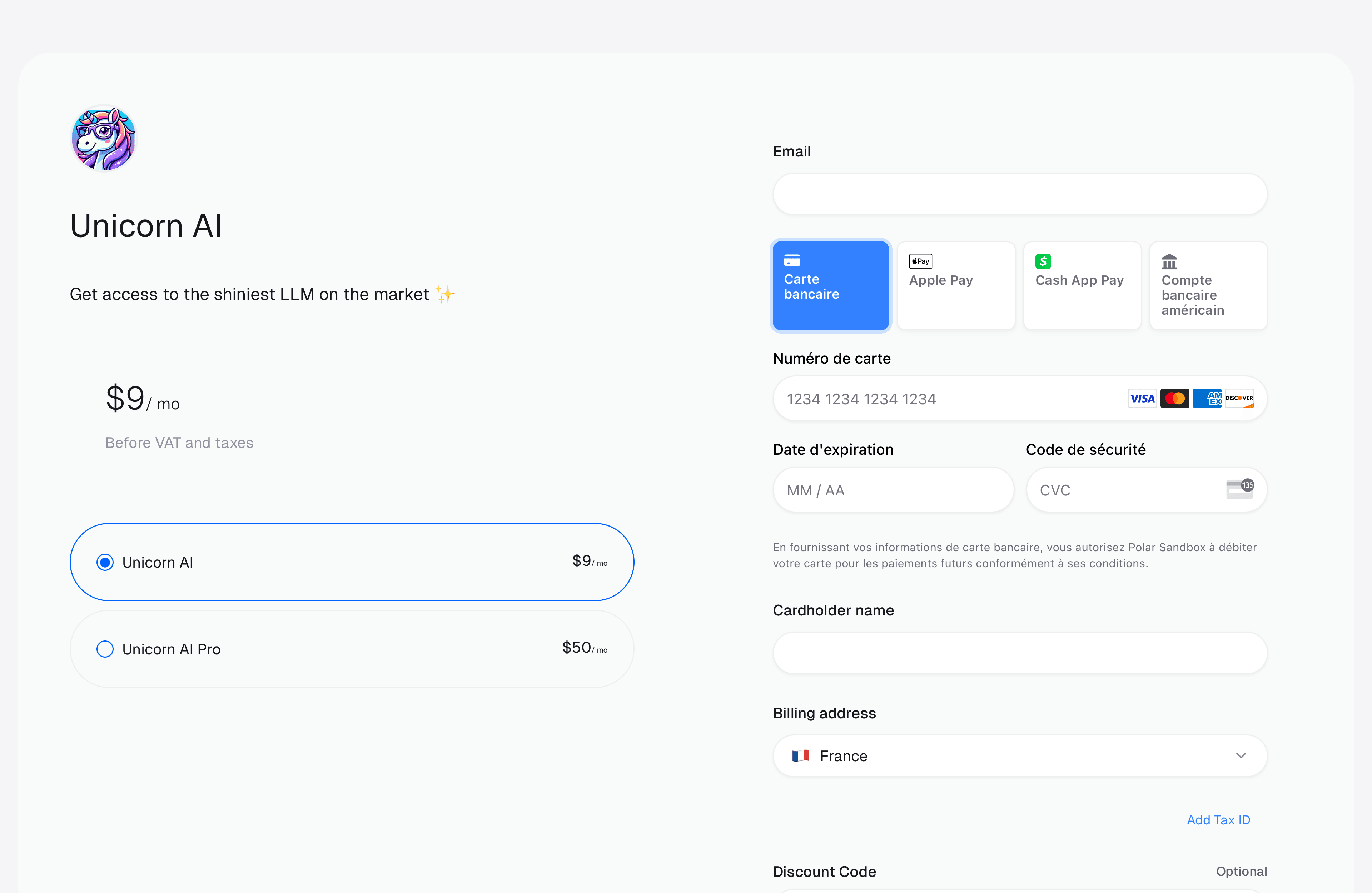
You can select one or **several** products. With several products, customers will be able to switch between them on the checkout page.
#### Label
This is an internal name for the Checkout Link. It's only visible to you.
#### Products
You can select one or **several** products. With several products, customers will be able to switch between them on the checkout page.
 #### Discount
You can disable discount codes, if you wish to prevent customers from using them.
You can also preset a discount: it'll be automatically applied when the customer lands on the checkout page.
#### Metadata
This is an optional key-value object allowing you to store additional information which may be useful for you when handling the order. This metadata will be copied to the generated Checkout object and, if the checkout succeeds, to the resulting Order and/or Subscription.
## Using Checkout Links
You can share the Checkout Link URL on your webpage, social media, or directly to customers.
#### Discount
You can disable discount codes, if you wish to prevent customers from using them.
You can also preset a discount: it'll be automatically applied when the customer lands on the checkout page.
#### Metadata
This is an optional key-value object allowing you to store additional information which may be useful for you when handling the order. This metadata will be copied to the generated Checkout object and, if the checkout succeeds, to the resulting Order and/or Subscription.
## Using Checkout Links
You can share the Checkout Link URL on your webpage, social media, or directly to customers.
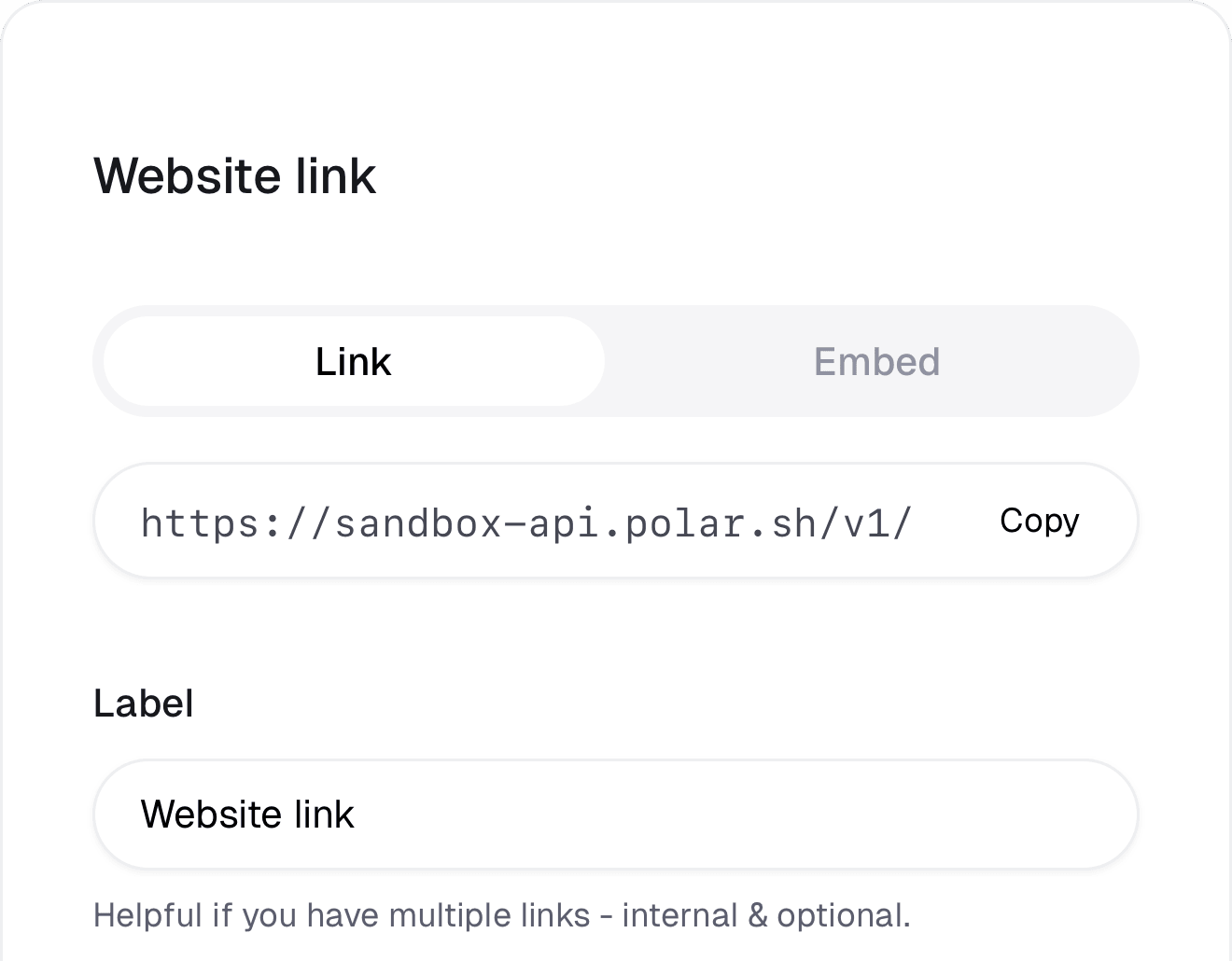
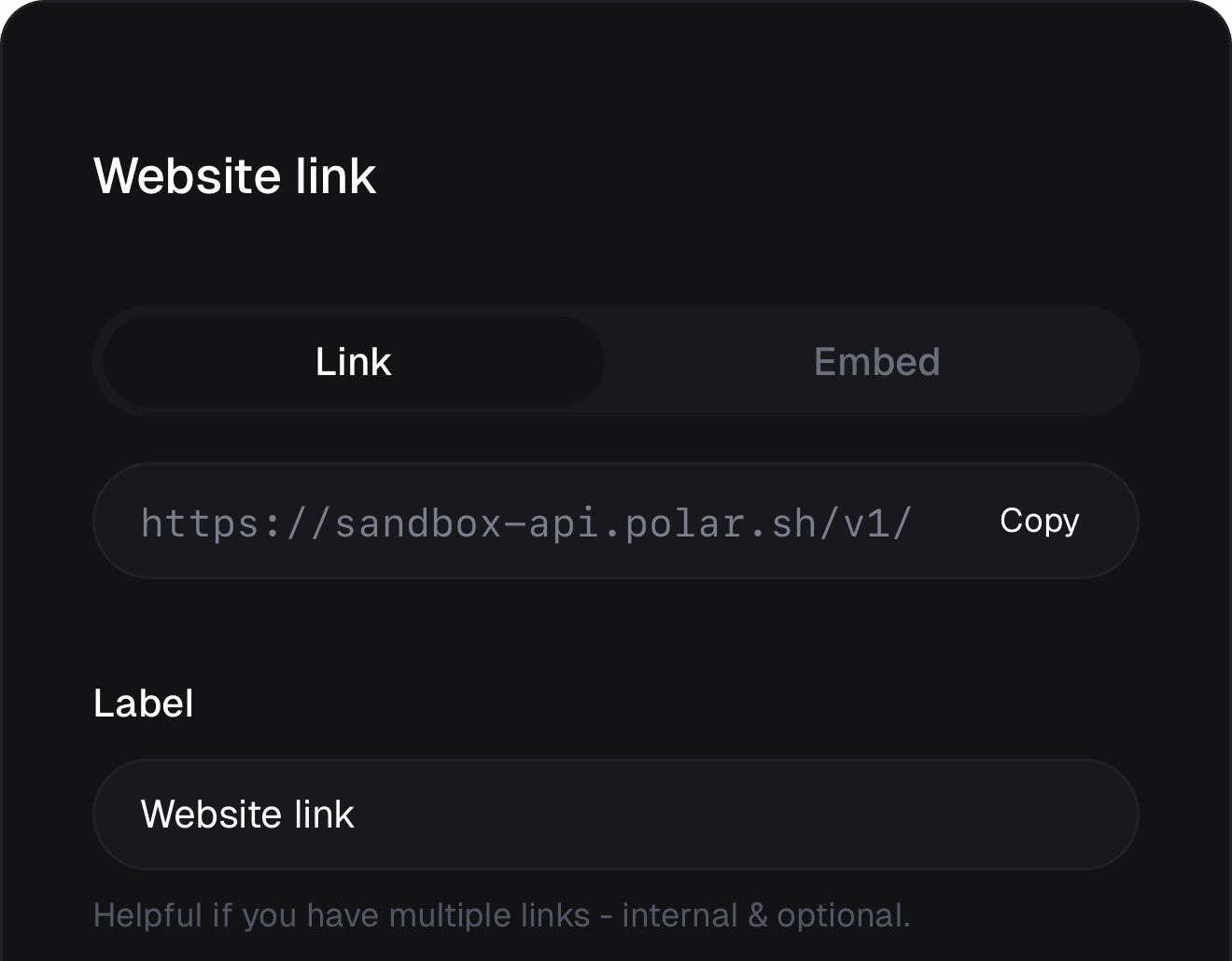 Checkout Links will go against our API, and redirect to short-lived Checkout session. This means that the Checkout page the user will end up on, are temporary and expires after a while if no successful purchase is made.
This means that you need to make sure to always use this Checkout Link URL (as shown above). If you mistakenly copy the URL from a Checkout Session, the link will expire.
### Query parameters
You can pass optional query parameters to your Checkout Links.
#### Prepopulate fields
You can prefill the checkout fields with the following query parameters:
Prefill customer email at checkout
Prefill customer name at checkout
Prefill discount code
Prefill amount in case of Pay What You Want pricing
Prefill checkout fields data, where `{slug}` is the slug of the custom field.
#### Store attribution and reference metadata
The following query parameters will automatically be set on Checkout [`metadata`](/api-reference/checkouts/get-session#response-metadata).
Your own reference ID for the checkout session.
UTM source of the checkout session.
UTM medium of the checkout session.
UTM campaign of the checkout session.
UTM content of the checkout session.
UTM term of the checkout session.
Checkout Links will go against our API, and redirect to short-lived Checkout session. This means that the Checkout page the user will end up on, are temporary and expires after a while if no successful purchase is made.
This means that you need to make sure to always use this Checkout Link URL (as shown above). If you mistakenly copy the URL from a Checkout Session, the link will expire.
### Query parameters
You can pass optional query parameters to your Checkout Links.
#### Prepopulate fields
You can prefill the checkout fields with the following query parameters:
Prefill customer email at checkout
Prefill customer name at checkout
Prefill discount code
Prefill amount in case of Pay What You Want pricing
Prefill checkout fields data, where `{slug}` is the slug of the custom field.
#### Store attribution and reference metadata
The following query parameters will automatically be set on Checkout [`metadata`](/api-reference/checkouts/get-session#response-metadata).
Your own reference ID for the checkout session.
UTM source of the checkout session.
UTM medium of the checkout session.
UTM campaign of the checkout session.
UTM content of the checkout session.
UTM term of the checkout session.